Japanese Craft Guide: Pigment Ink vs. Dye Ink – The Ultimate Selection Rules for Durability and Vibrancy
yassy
Crafters!
Hello, everyone! It’s Yassy from Crafters! (・∀・)
When running a handmade business or crafting as a hobby, a printer is an indispensable tool. From shop cards, thank-you notes, and accessory display cards that elevate your brand image, to specialized resin inclusion sheets used right inside your creations, printers play a vital role in everyday crafting.
As someone who loves making, viewing, and purchasing handmade items, I realize daily how much the quality of paper goods—the texture, color accuracy, and crispness of the print—impacts the overall impression of a finished craft.
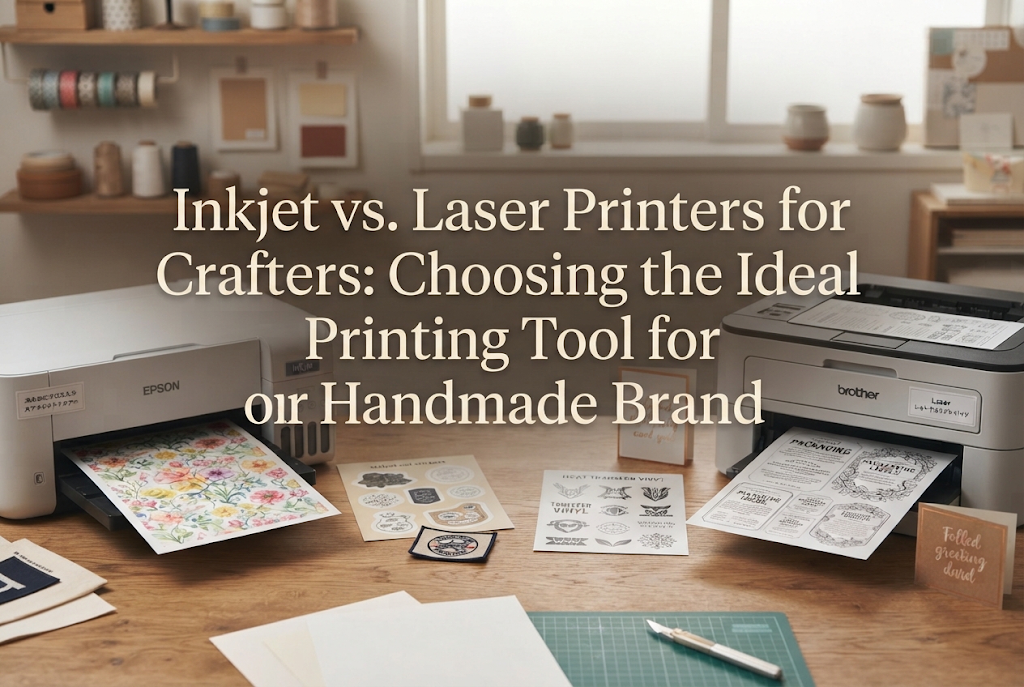
However, when setting out to purchase a home printer or replace an old model, almost every crafter hits a major wall: "Should I buy an inkjet printer or a laser printer?"
Standing in an electronics store or browsing online listings, you are confronted with technical jargon that makes it hard to determine which printer actually suits your specific handmade needs.
Here is the bottom line: in handmade crafting, these two types of printers serve distinctly different roles. Neither is universally superior; the correct choice depends entirely on what you want to make and what kind of paper or material you plan to print on.
In this article, I will share my knowledge and practical experience, breaking down the mechanical differences between inkjet and laser printers, followed by a project-by-project guide to ensure zero mistakes in your craft room!
To choose the right printer for your work, it helps to understand how each technology applies color to paper. Knowing the underlying mechanism makes it clear why their results differ so significantly.
Inkjet Printers work by spraying microscopic droplets of liquid ink directly onto the paper surface. Most standard home printers fall into this category.
Laser Printers work by using static electricity to attract fine colored powder called toner to the paper, which is then melted and fused onto the sheet using heat and pressure. This technology is commonly found in office copiers and commercial print shops.
This fundamental distinction—whether liquid ink soaks into the paper or powdered toner is heat-bonded onto the surface—directly affects color vibrancy, water resistance, paper compatibility, and printing speed.
Both technologies have technical strengths. Selecting paper or applications without understanding these differences is the single biggest cause of printing failures in paper crafts.
For crafters focused on rich creative expression, an inkjet printer is a powerful ally. Here is a look at its key advantages and points to keep in mind.
The greatest strength of an inkjet printer is its color reproduction and smooth gradients. By layering tiny liquid droplets, it reproduces delicate watercolor tones and subtle color transitions beautifully.
Another major benefit is paper compatibility. Inkjet printers excel at printing on a wide variety of textured papers, including glossy paper, matte cardstock, Japanese washi paper, cotton paper, and printable fabric sheets.
Additionally, inkjet printers are relatively affordable to purchase initially and feature a compact footprint, making them easy for beginners to introduce into a home studio.
Inkjet printers do have a noticeable weakness for handmade applications: sensitivity to water.
Standard inkjet printers often use dye-based inks, which dissolve and bleed quickly if exposed to moisture. A single stray drop of water can ruin a carefully printed card.
Furthermore, print speeds are slower than laser printers, making large batches of flyers or packaging inserts time-consuming. Ink cartridges can deplete quickly, leading to higher running costs when using manufacturer-original inks.
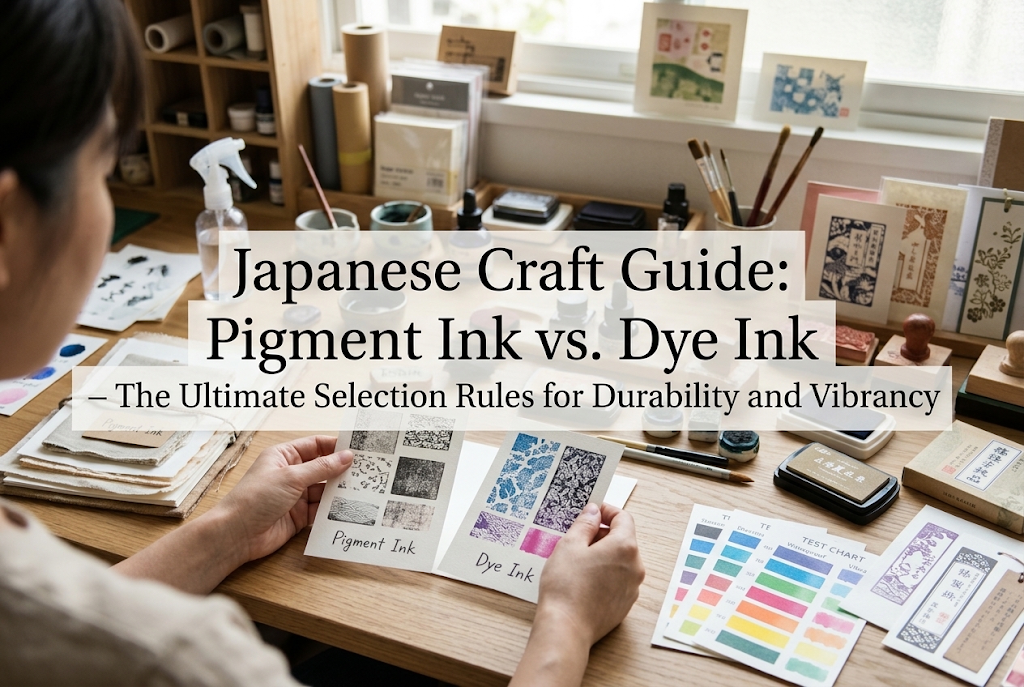
It is also helpful to know that inkjet inks come in two main varieties: Dye Ink and Pigment Ink.
Dye ink soaks into the paper fibers, producing vivid, glossy photographic prints, but it remains vulnerable to water and UV light. Pigment ink rests on the surface of the paper, providing superior water resistance and lightfastness, as well as sharper text. If water resistance is important for your inkjet prints, look for a printer model equipped with pigment ink.
Laser printers offer commercial-grade durability and precision, making them exceptionally useful for specific crafting genres.
The standout features of a laser printer are its high water resistance and fast print speed. Because toner consists of fine resin particles melted onto the paper surface, the print will not bleed or smear when exposed to water.
This characteristic is a game-changer when producing outdoor stickers or clear insertion sheets for liquid resin projects, where moisture or liquid resin components could cause liquid inks to run.
In addition, text and fine line work print with crisp, sharp edges. This makes small brand tags, care instructions, and back-of-card text extremely easy to read.
When printing dozens or hundreds of sheets at once, laser printers operate at high speeds. Because a single toner cartridge yields many pages, the cost per printed sheet is generally lower in high-volume settings.
As an added technique for crafters, the heat-reactive nature of toner enables home foil stamping (foil transfer). By placing reactive foil over a black laser-printed design and running it through a laminator or applying an iron, gold or silver foil adheres cleanly to the toner marks.
The main drawbacks of color laser printers are their physical size, weight, and higher initial purchase price. They take up considerable space on a craft desk.
Because laser printing relies on high heat to fuse toner, heat-sensitive materials (such as standard plastic films or delicate specialty sheets) can melt or warp inside the machine, potentially damaging the equipment.
For photos and soft illustrations, laser prints may display slight dot patterns (halftones) rather than the seamless color blending offered by inkjets. Heavy, heavily textured papers may also experience uneven toner fusing.
To help you choose, here are clear criteria based on common handmade project types:
Paper products are specifically coated for Inkjet Only, Laser Only, or Universal Use. Feeding inkjet-coated specialty paper into a hot laser printer can cause the coating to melt onto the drum, damaging the machine. Conversely, printing on laser paper with an inkjet printer can leave ink sitting wet on the surface without drying. Always match the paper type to your printer technology.
Crafters often use thick paper (over 200 gsm) for sturdy accessory packaging. Standard front-loading paper trays bend paper 180 degrees through an internal rollers path, causing jams with rigid stock. When printing heavy cardstock, choose a printer with a rear manual feed tray that provides a straight paper path through the machine.
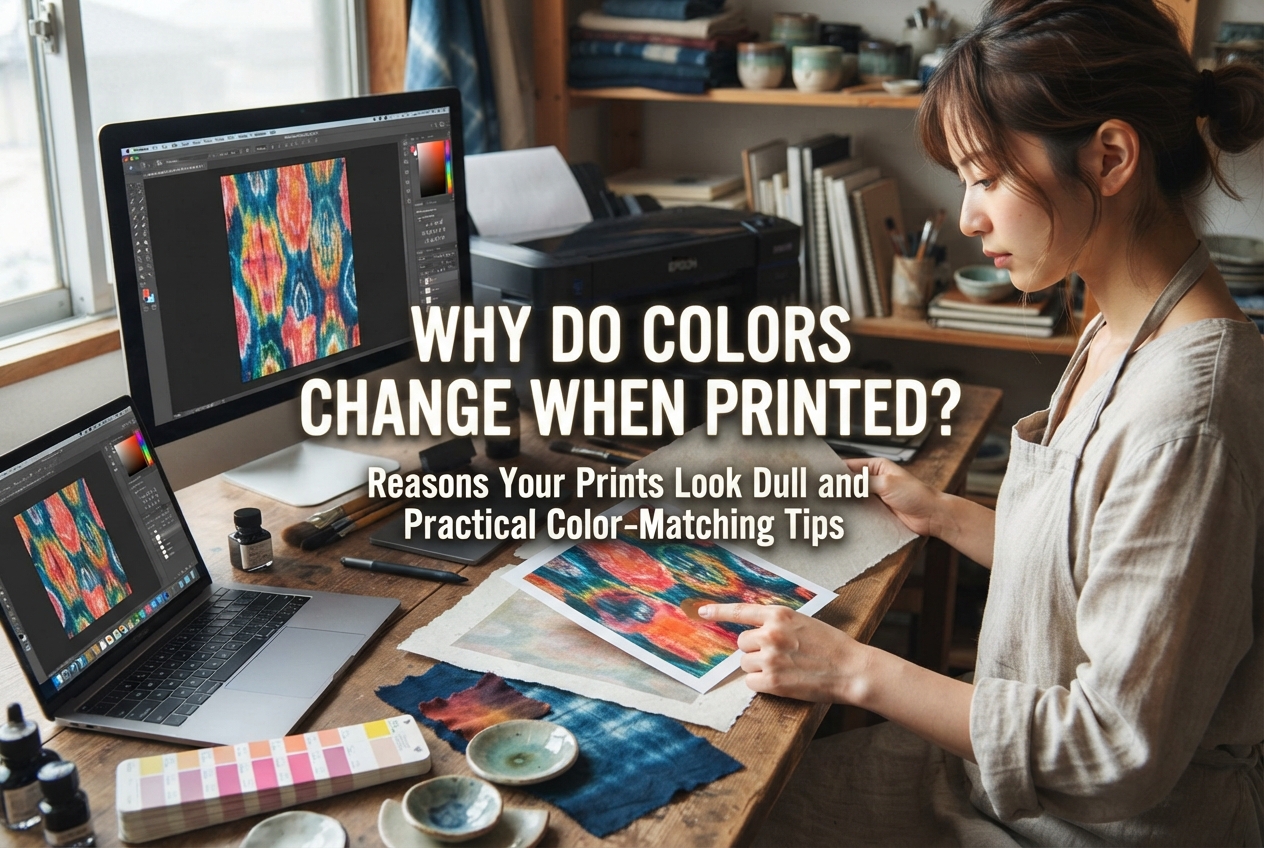
Monitors display colors in RGB (light), whereas printers output in CMYK (ink/toner). Neon tones and bright greens on screen cannot be fully matched by physical dyes. Designing in CMYK color mode and running test prints on plain paper before using specialty stock helps manage color accuracy.
If you are looking for your very first home printer as a general crafter, I recommend starting with a pigment ink inkjet printer. Its versatility with various cardstocks and lower starting cost make it a flexible partner for display cards, shipping labels, and product care notes.
However, if your core niche centers on resin jewelry, waterslide decals, or foil-stamped luxury cards, investing directly in a color laser printer will save time and prevent material waste.
For growing handmade brands, my recommended approach is a hybrid strategy:
To get the best performance from your equipment:
Packaging and paper goods are often the first physical touchpoint a customer experiences when receiving your craft. Crisp text, vibrant imagery, and quality paper enhance the perceived value of your handmade brand.
By selecting the printing technology that matches your specific craft materials, you can create professional paper goods that highlight the care you put into every creation.
I hope this guide helps you choose the perfect printing setup for your workspace. If you found this article helpful, feel free to share it with fellow crafters! Happy crafting, and see you in the next post—this was Yassy from Crafters!

For example, if you are looking for articles about mizuhiki, try searching for "mizuhiki"; if you are interested in tools, try keywords like "nippers" or "pliers."